


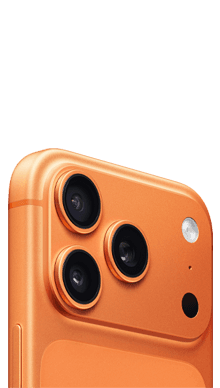
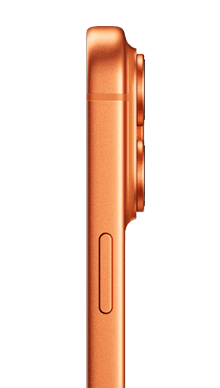

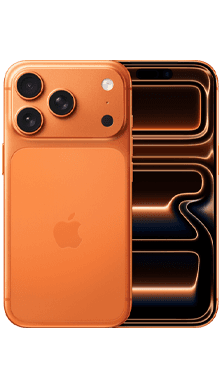






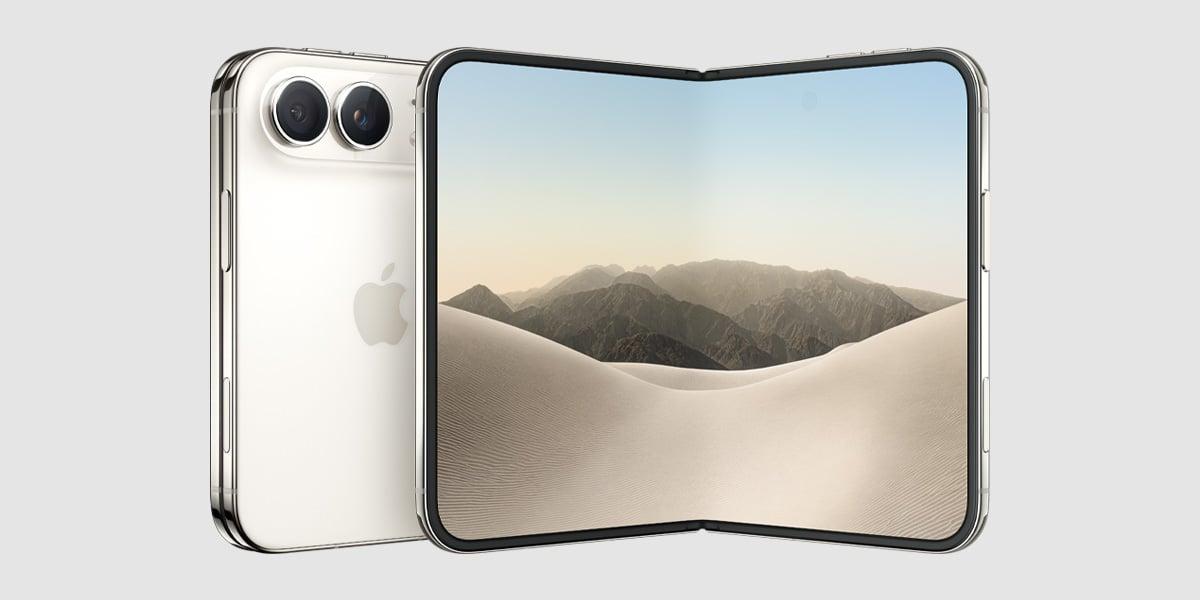
Discover the Duo
The iPhone duo has finally arrived, bringing with it a host of exciting new features after months of anticipation. With the introduction of...

FREE Next Day Delivery - 7 Days a Week

Over 50 Stores Nationwide

100% Secure Checkout

Over 30 Years In The Business

Award Winning Customer Service


InstantQuote

FastPayment

14-Day LockIn Price

FreeReturns

TrustedService
Offer Price
£671.00
Not ready yet?

Sell your old iPhone 17 Pro today, instant quote and fast payment.
Offer Price:
£671.00
Not ready yet?
InstantQuote
FastPayment
14-Day LockIn Price
FreeReturns
TrustedService

Let us know which smartphone you would like to sell, to ensure your price is guaranteed for 14-days.

Free delivery or collection at times that suit you with trusted couriers.

Subject to your device health check we could pay you the same day of receipt.
The iPhone 17 Pro remains one of Apple's most popular handsets. Despite being a few generations old, demand for the iPhone 17 Pro on the refurbished market remains very strong, particularly for the 256GB and 512GB models. How much your iPhone 17 Pro is worth depends on three factors: storage size, condition, and whether it is unlocked. At Fonehouse, we pay the following for iPhone 17 Pro devices in October 2026.
| Condition | 256GB | 512GB | 1TB | |
|---|---|---|---|---|
| Excellent | £671.00 | £711.00 | £751.00 | |
| Very Good | most Common | £600.00 | £636.00 | £672.00 |
| Good | £540.00 | £572.00 | £605.00 | |
| Damaged | £490.00 | £522.00 | £555.00 | |
Yes, but the difference is modest for the iPhone 17 Pro compared to newer models. Moving from 256GB to 512GB adds around £36.00 to your quote: the jump from 512GB to 1TB adds a further £36.00. The condition of your device has a far greater impact on price than storage size alone.
Trade-in values for the iPhone 17 Pro are strong, but prices typically fall further after each new iPhone release. If you are holding onto your iPhone 17 Pro ahead of upgrading, selling sooner rather than later will generally return a higher price. Our 14-day price lock means you can agree a price today and send your device when it suits you.
Before sending your iPhone 17 Pro , there are a few steps that will speed up the process and protect your personal data.
Go to Settings → [your name] → iCloud → iCloud Backup and tap Back Up Now. Alternatively, connect to a Mac or PC and back up via Finder or iTunes. This ensures you don’t lose photos, contacts, or app data when you reset the device.
Go to Settings → [your name] → scroll to the bottom and tap Sign Out. You will be asked to enter your Apple ID password and confirm. This automatically turns off Find My iPhone and removes the device from your iCloud account. If Find My iPhone is not disabled, we cannot process your trade-in.
Go to Settings → General → Transfer or Reset iPhone → Erase All Content and Settings. This removes all personal data, apps, and accounts from the device. Our engineers also carry out a certified data wipe to ADISA standard as part of every trade-in.
Use a SIM eject tool or a straightened paperclip to remove your SIM card from the tray on the right side of the device. Keep your SIM — you will need it for your new device.

Popular Mobile Phones
©2026 All rights reserved E&OE. fonehouse.co.uk is part of KTM Online Limited. Reg. No. 10781202. VAT Reg. GB 276 6191 72.