




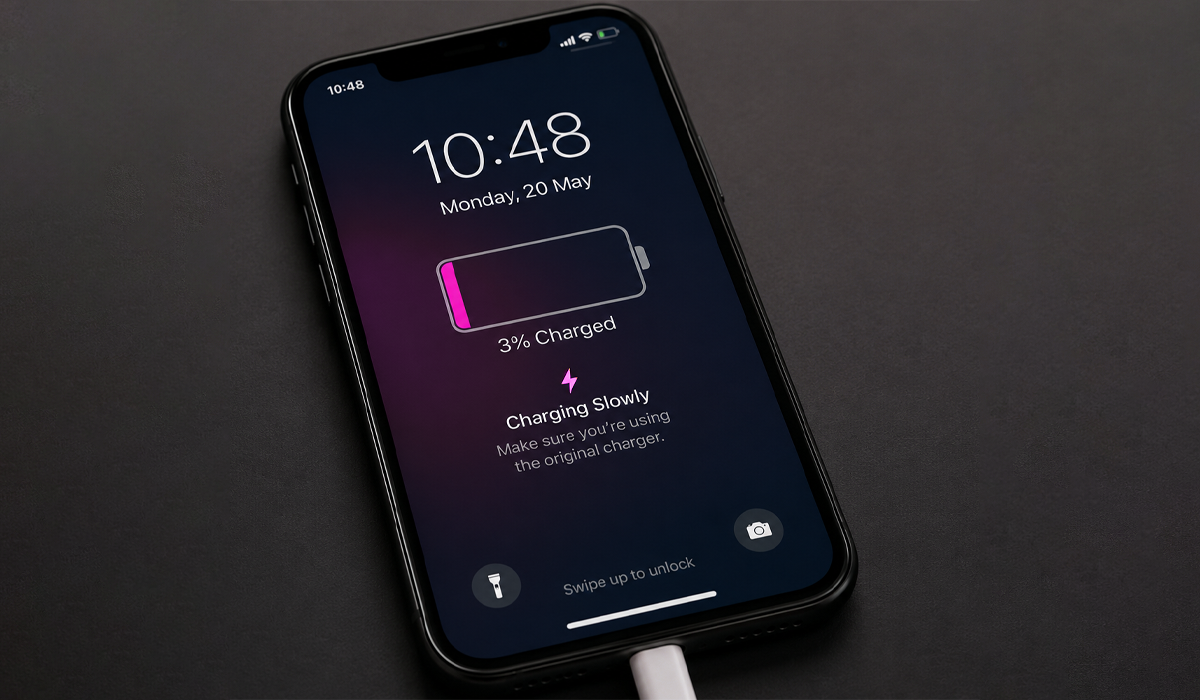
One of the most frustrating things about modern technology is dealing with a phone that charges slowly when you need it most. On a busy day, you want your battery topped up and ready to keep up with you, without worrying that your phone will die before lunchtime.
The good news is that slow charging is often easy to diagnose and, in many cases, simple to fix with a few troubleshooting tips. Don’t worry, we’ve got you covered in this blog post.
The causes of a slow charging phone
- Faulty charging cables
- Low power charging adaptors
- Dirty charging ports
- Background apps that are draining your battery
- Damaged batteries
- Overheating
- Software issues
- Incompatible chargers
We would strongly advise checking for these small issues first as these are the most common reasons for why your phone may be taking a while to charge.
Check your charging cable
One of the biggest and most common causes of a slow charging phone is a faulty charging cable, something many people don’t immediately think about. Common signs of a damaged cable include frayed or bent wires, loose connections, or charging that repeatedly cuts in and out.
The easiest solution is to replace the cable and check whether your phone begins charging faster. It’s always best to use the cable that came with your phone, as it was designed by the manufacturer to work properly with your device. If you need a replacement, choose cables from trusted, certified brands whenever possible. Avoid very cheap charging cables and accessories, as they often wear out quickly and can lead to charging issues over time.
Check your battery health
If you’ve ruled out all of the issues above, then the problem may be something a little more serious and less easy to fix. Unfortunately, phone batteries naturally degrade over time. Common signs that your battery may be wearing out include the battery draining quickly, your phone overheating, charging taking much longer than it used to, or the device unexpectedly shutting down.
Most smartphone batteries begin to weaken after around 2–3 years of regular use. If this is the case, replacing the battery could help restore your phone’s charging performance and overall battery life.
A solution to this would be to check your battery health settings, usually a good battery health is above 80%. The main fix to this would be to visit a repair store and see if they can replace the battery for you or go directly to the manufacturer.
Updating your software
Updating your software is a key part in fixing slow charging and slow processing overall. Installing the latest systems update will make sure your phone is free of any software bugs or glitches. Aside from this you should restart your phone.
Using your phone whilst charging
Using your phone while it’s charging can dramatically affect how quickly it powers up. Activities such as gaming, video streaming, video calls, GPS navigation, and scrolling through social media apps all use a large amount of battery power.
When your phone is trying to charge while also handling power-hungry tasks, the charging speed can slow down significantly. For the best results, it’s recommended to leave your phone alone while charging and avoid heavy usage until the battery has had time to recharge properly.
Does wireless charging cause slower charging
Wireless charging can cause slower charging as wired charging is generally faster and more efficient.
Most slow charging issues are usually caused by small problems that are easy to fix when they are noticed, like replacing your charger, updating your phone and cleaning your charging port.
Fonehouse Repairs
At fonehouse, we offer a wide range of mobile phone deals and plans, but we also understand how important it is to have a phone that works quickly and efficiently for everyday use. That’s why we provide repair services in our stores to help restore your phone’s battery performance. Visit your nearest store and book a repair today.