


 SALE
SALE
 iPhone
 iPhone 17
 iPhone Air
 iPhone 17 Pro
 iPhone 17 Pro Max
 Samsung Galaxy S25 FE
 iPhone 16
 iPhone 15
 Google Pixel 10
 Google Pixel 10 Pro
 Samsung Galaxy S26 Ultra
 Mobile Upgrade Deals
 SIM Free Mobiles
 Gift Bundles

 Trade In Your Mobile
 Business Mobiles

 Apple
iPhone
Apple
iPhone
 Samsung
Galaxy
Samsung
Galaxy
 Google
Pixel
Google
Pixel
 Honor
Honor
 Doro
Doro
 JCB
JCB
 TCL
TCL

 Three
Three
 Vodafone
 Talkmobile
 Phone Repairs
 SIM Only


 Gaming
 Accessories

 Screen Protectors
 Mobile Phone Cases
 Cables and Chargers
 Headphones and Audio
 Memory Cards
 Accessory Bundles

 Help
Help

 FAQs
FAQs
 Returns
 Cashback

 Franchise Program
 Store Finder
 Blog
Blog








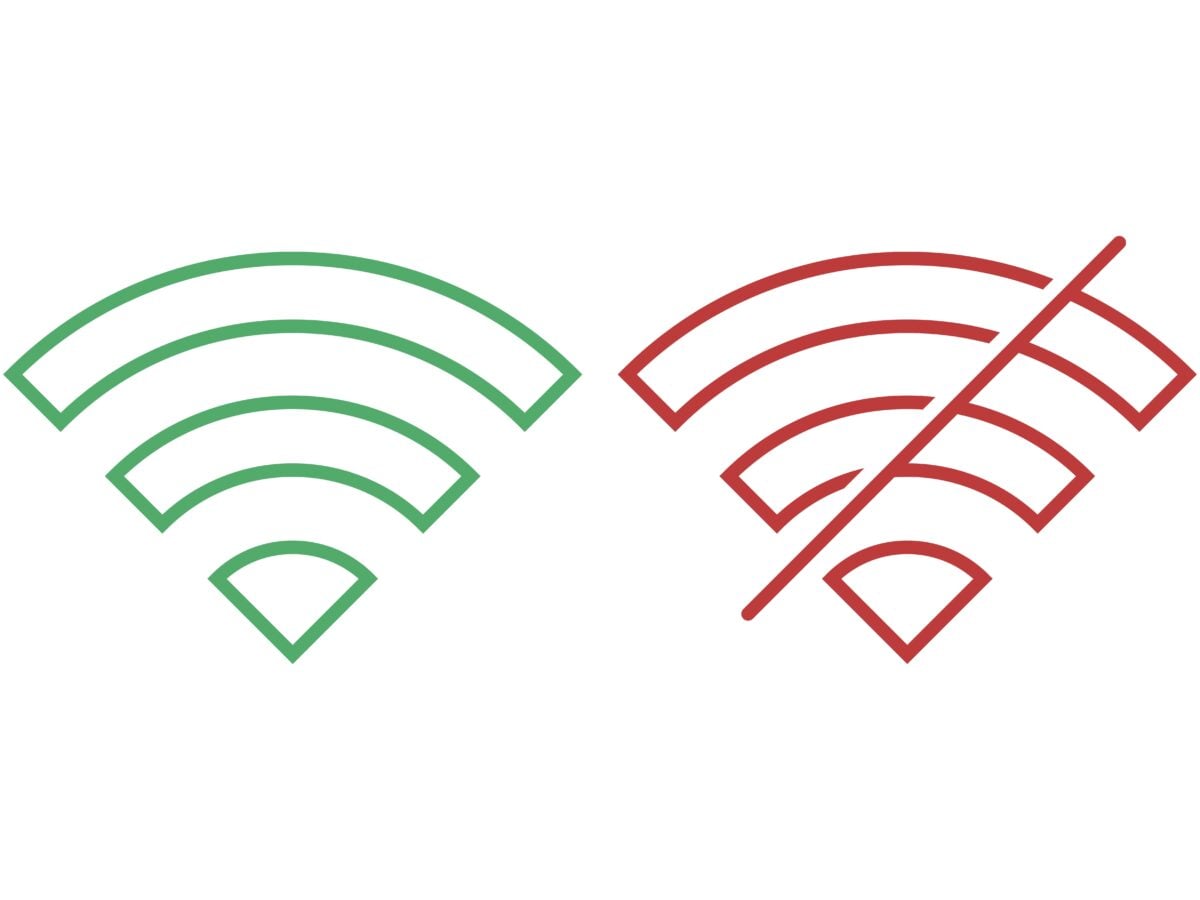
When buying a new phone, there are several key things to think about, from the camera setup and battery life to charging options and network connectivity. But your mobile phone signal is just as important. Here’s what your phone’s signal means.
What causes poor phone signal?
There are many reasons you might experience poor phone signal, from being far away from cell towers and physical obstructions to network congestion or using an older phone.
If you’re far from the nearest cell tower, your signal will be weaker, something that’s most noticeable in rural areas. Physical obstructions such as buildings, trees, hills, and even weather conditions can also interfere with your phone’s signal.
Network congestion occurs when too many people are using the same network at once, often in crowded places like shopping centres or concerts. This overload can lead to slower data speeds and weaker signal. In addition to congestion, devices such as microwaves, Wi-Fi routers, and other electronic equipment can also interfere with your phone signal.
A low battery can reduce your phone’s transmission power, making it harder to maintain a strong connection. Older phones may also struggle to hold a reliable signal, and a faulty or worn SIM card can further affect performance. Cleaning or replacing your SIM card can help, and if your device is outdated, it may be worth considering an upgrade.
What is troubleshooting?
Troubleshooting is a series of steps used to identify and resolve common connection issues. Below are some simple troubleshooting tips that may help improve your phone signal:
- Turn on Airplane Mode – Switching Airplane Mode on and off refreshes your connection to the nearest cell tower. Turn it on for a few seconds, then turn it off again to see if this resolves minor signal issues.
- Change your location – Moving to a different spot, such as closer to a window or stepping outside, can help improve your signal by reducing physical obstructions.
- Check for software updates – Make sure your phone is running the latest software. Updates often improve performance, connectivity, and overall reliability.
What is the difference between Wi-fi and cellular signal?
Cellular signal comes from cell towers, which provide coverage across cities, regions, and even entire countries. This allows you to access the internet while on the move, without needing to connect to a local network.
Wi-Fi, short for Wireless Fidelity, allows devices to connect to the internet through a router that broadcasts a wireless signal. Wi-Fi typically covers around 150 feet indoors and up to 300 feet outdoors, depending on the router’s strength. This makes it ideal for use in homes, offices, and public spaces.
In many cases, Wi-Fi offers faster speeds than cellular networks and is less affected by distance from cell towers, making internet access more stable and convenient when you’re within range.
The key differences here are that cellular signals rely on a network of cell towers, whilst wi-fi uses a router that is connected to a wired internet source. Wi fi is limited to the range of router, whereas cellular signal covers wider areas.
Why is choosing the right Network Provider so important?
Choosing the right network provider is essential for maintaining a strong phone signal, as it directly impacts the quality of your communication. A reliable provider allows you to make calls, send texts, and use mobile data without interruptions. Poor signal can lead to dropped calls, slow internet speeds, or loss of connection, making the choice of network especially important for a seamless experience.
At Fonehouse, we work with some of the UK’s biggest network providers, including Three, Vodafone, and Talk mobile, to deliver excellent signal coverage and reliable customer care. If it’s time to upgrade your phone plan, visit us to find the perfect mobile phone on a great value deal.
